Best Apps to Blur Faces in Video (2026): 12 Options for iPhone, Android and Browser
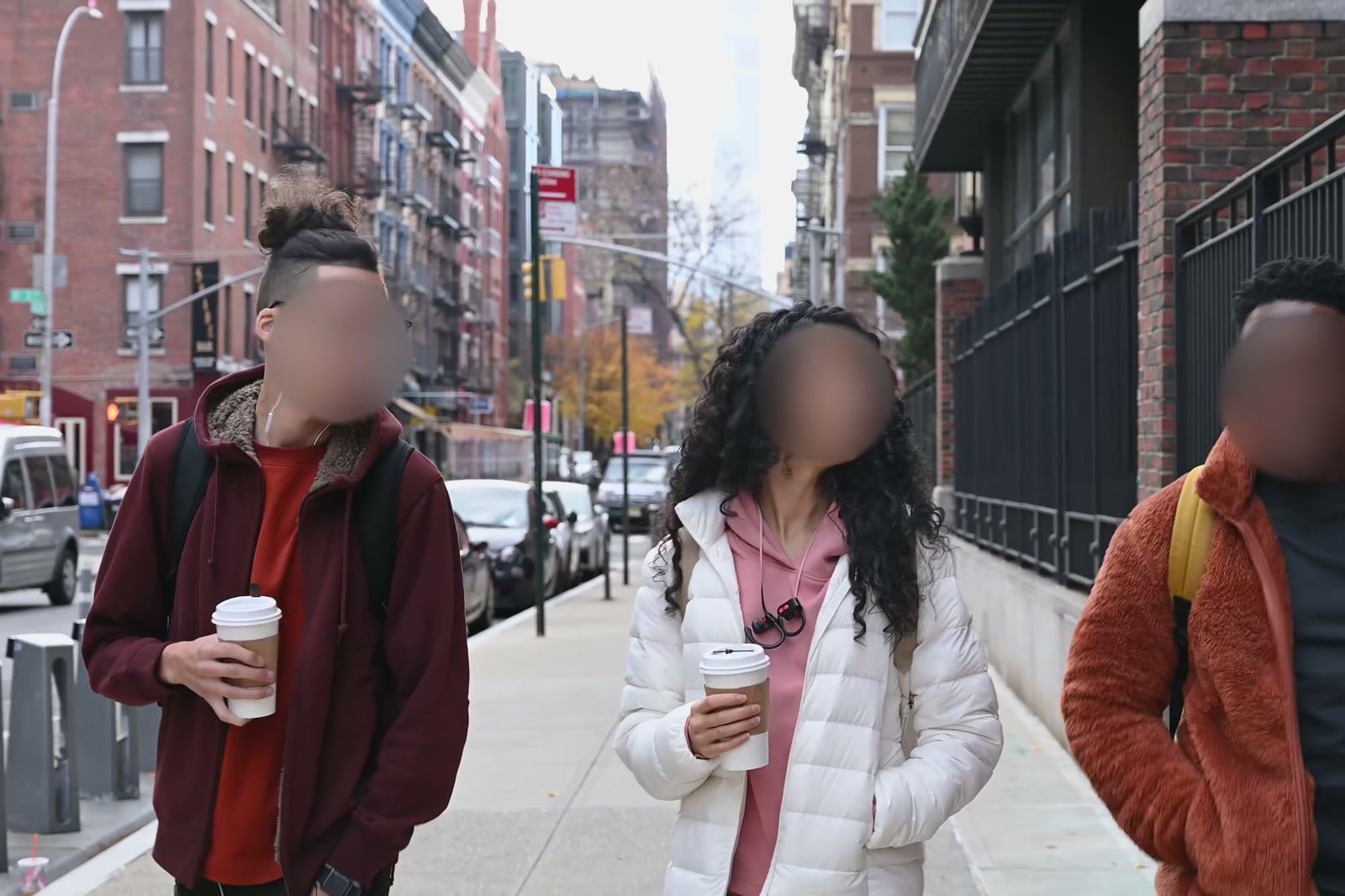
Short answer: on iPhone, pick an app that finds faces by itself and keeps the blur on them as people move. BlurQ, BlurOne, Blur & Mosaic, HiddenFace and Redact all say they do this. They differ in what the free export allows and what the unlock costs. On Android, PutMask does the same job. If you only publish on YouTube, YouTube Studio can blur faces after upload at no cost.
Disclosure: BlurQ is our app. Details about every other app come from its App Store or Google Play listing and its website as of November 2026, not from hands-on testing. “Not stated” means the listing does not say. The list is ordered by use case, not ranked.
Comparison table
Prices are US store prices as of November 2026. The “follows” column quotes each listing. It is a claim, and any tracker can slip when a face turns away.
| App | Platform | Finds faces automatically | Blur follows moving faces (as stated by the listing) | Free export limits | Full unlock price | Extras |
|---|---|---|---|---|---|---|
| BlurQ | iPhone, iOS 18+ | Yes, when the video opens | Yes; Track also follows any object you tap | First 8 seconds, 720p; small watermark | $9.99 once | People or background blur, eyes-only bar, emoji, solid colour |
| BlurOne | iPhone, iPad, iOS 16+ | Yes; faces shown as thumbnails | “builds a track that follows them through the entire clip” | Full resolution; ads plus one rewarded ad per export | $8.99 once (removes ads only) | Draw a box on any object and it is tracked |
| Blur & Mosaic (FORTE) | iPhone, iOS 26+ | Yes, one button | “it keeps following each face as it moves” | Videos up to 1 minute; ads | $2.99 once; videos up to 10 minutes | 1,900 emoji; text and plates in photos (Premium) |
| Deface | iPhone, iPad, iOS 16+ | Yes, one tap | Not stated | Limited and watermarked; numbers not stated | Lifetime listed at $14.99 and $24.99; subscriptions too | Emoji, custom boxes for plates, tap to keep a face |
| HiddenFace | iPhone, iPad, iOS 26+ | Yes | “detect and cover faces across entire videos” | Editing is free; exporting a video needs Pro | $14.99 lifetime; $2.99/month; $12.99/year | Emoji, timeline with keyframes, bulk photos |
| Redact | iPhone, iPad, Mac, iOS 18+ | Yes; faces and plates | “Every face blurred and tracked across the whole clip” | Length limit (not stated), lower resolution, badge | $59.99 lifetime; $3.99/month; $22.99/year | Plates, emoji, stickers, per-person timeline |
| Blur Video AI | iPhone, iOS 18+ | Yes; faces, plates, text | “Follow moving objects in your videos automatically” | Not stated | “Full Access” purchases from $5.99 to $49.99; terms not stated | Plates, text, background, emoji and stickers |
| Blur-Video (Honk Honk Punch) | iPhone, iPad, iOS 15+ | Not stated; you draw the areas | “auto tracking”; all object tracking is Pro | Not stated; free version has ads | Pro subscription; $3.99 and $9.99 purchases listed | Several ellipse or rectangle areas with timing |
| Blur Video & Mosaic (GIGABUBBLE) | iPhone, iPad, iOS 15+ | Yes | Not stated | Not stated; free version has ads | $49.99 once; $3.99/month; $24.99/year | Automatic plate and background blur (Premium) |
| CapCut | iPhone, Android, desktop | No; you place a mask | Mobile: keyframes by hand. Desktop: Track mask | CapCut says blurring faces is free | Not needed for this method | Full video editor |
| YouTube Studio | Computer browser, after upload | Yes; you select the faces | Not stated for Face blur; Custom blur has Track object | Free | Free | Rectangle or oval custom blur |
| PutMask | Android | Yes; faces, plates, people | “tracks each face through the whole clip” | Videos up to two minutes; HD and above is Premium | Premium price not stated in the listing | Plates, whole person, audio mute and voice changer |
BlurQ
BlurQ has four video tools. Faces finds every face when the video opens and gives each one its own strip on the timeline. Track follows anything you tap, such as a license plate or a sign, forward and back through the clip. Box is a fixed box you can pin at two moments so it moves between them. People blurs everyone, or keeps people sharp and blurs the background. There is also an eyes-only bar that follows the face, and emoji or a solid colour as covers.
Limits: the free export is the first 8 seconds at 720p, which is a test, not a finished video. Lifetime Pro is $9.99 once and exports full length at full quality. There is no automatic plate detection in video, and no iPad or Android app. Steps are in how to blur faces in a video on iPhone.
BlurOne
BlurOne has the most generous free tier in this group, by its own listing: automatic face blur is “free and unlimited” at full original resolution, paid for with ads while it works and one short rewarded ad before each export. You pick who to blur from face thumbnails, and can draw a box around any other object to track it. The $8.99 lifetime unlock removes ads and adds no features. Styles are blur, mosaic and solid colour.
Blur & Mosaic (FORTE)
Blur & Mosaic is the cheapest one-time unlock here at $2.99. Its listing says one button covers every face and that in video you get a list of everyone who appears. Free videos are capped at 1 minute and Premium at 10 minutes. It needs iOS 26, so older iPhones are out. Automatic text and plate hiding is for photos and is part of Premium.
Deface and HiddenFace
Deface finds faces in one tap, lets you tap a face to keep it visible, and offers emoji covers plus custom boxes for plates or screens. Its listing says Pro “unlocks unlimited, watermark-free exports”, so free exports are limited and watermarked, with no numbers given. Two lifetime prices are listed, $14.99 and $24.99.
HiddenFace added video face tracking in version 2.0, with a multi-track timeline, trim, split and keyframes. You can open a video and cover every face for free, but the listing says you pay when you export a video. Lifetime is $14.99. It needs iOS 26.
Redact
Redact detects faces and license plates, tracks every face across the clip, and gives you a timeline to rename, trim and adjust each person. It also runs on iPad and Mac, and its privacy label is “Data Not Collected”. The price is the trade-off: $59.99 lifetime, or $22.99 a year. Free video exports have a length limit, reduced resolution and a “Made with Redact” badge. We compare the two apps in detail in BlurQ vs Redact.
The older video blur apps with the most ratings
Blur-Video by Honk Honk Punch has about 14,000 App Store ratings. It is a manual editor: you define ellipse or rectangle areas and use “auto tracking” to move them. The listing puts all object tracking behind a Pro subscription.
Blur Video & Mosaic by GIGABUBBLE has about 4,400 ratings. It can blur faces automatically, and Premium adds automatic license plate blur and background blur. A one-time purchase is listed at $49.99.
Blur Video AI has about 1,000 ratings. Its listing says it detects faces, license plates and text on the device and follows moving objects.
CapCut, YouTube Studio and PutMask
CapCut has no automatic face blur in the method its own guide describes. You add a blur effect, place a mask over the face, and on mobile you set keyframes so the mask moves with the face. The desktop editor has a Track mask button. It is free and works on Android too, but every face needs its own mask. Our guide: how to blur a face in CapCut.
YouTube Studio has a Face blur option in its video editor on a computer. It processes the uploaded video, then you select the faces to blur. Custom blur adds a box with a Track object option. It only works on videos already uploaded to your channel.
PutMask is the Android pick. Its listing says it finds faces, license plates and whole people, tracks each face through the clip, works offline and has no ads. Free covers videos up to two minutes; longer videos and HD, FHD or 4K export are Premium.
Picks by need
- A short social clip for free: BlurOne. Its listing promises free, full-resolution exports with ads. Blur & Mosaic is the second choice for clips under 1 minute. BlurQ’s free export stops at 8 seconds, so it only fits very short clips.
- A long video: BlurQ Pro. $9.99 once exports the full length at full quality, and drafts are saved so you can come back to a long edit. Blur & Mosaic stops at 10 minutes even when paid. Pick Redact if you want to rename and adjust each person on a timeline.
- Cheapest one-time purchase: Blur & Mosaic at $2.99, if your iPhone runs iOS 26 and your videos are under 10 minutes. BlurOne is $8.99 and BlurQ is $9.99. BlurQ’s price buys more tools: People and background blur, the eyes-only bar and Track for moving objects.
- License plates in dash-cam style footage: on Android, PutMask detects plates in its free tier. On iPhone, Blur Video AI and Blur Video & Mosaic list automatic plate blur, and Redact detects plates. BlurQ does not detect plates in video; you tap the plate once and Track follows it, which works for one or two cars and is slow for traffic. For photos, see how to blur a license plate.
- Android: PutMask for automatic faces, CapCut if you already edit there.
- No install: YouTube Studio if the video is going to YouTube anyway. For other browser options see our comparison of free online face blur tools.
Frequently Asked Questions
- Is there a free app to blur faces in a video?
- Yes. BlurOne says automatic face blur is free at full resolution with ads. Blur & Mosaic is free for videos up to 1 minute, PutMask on Android for videos up to two minutes, and BlurQ for the first 8 seconds at 720p. YouTube Studio is free for videos on your channel.
- Which apps add a watermark to free video exports?
- BlurQ adds a small watermark to free saves. Redact adds a “Made with Redact” badge to free video, and Deface says Pro is needed for watermark-free exports. BlurOne’s listing says free exports are the same as the preview. Other listings do not say.
- Do these apps upload my video?
- BlurQ processes everything on the iPhone. BlurOne, Blur & Mosaic, Deface, HiddenFace, Redact, Blur Video AI and PutMask also say in their listings that processing happens on the device. YouTube Studio works on a video you have already uploaded to YouTube.
- Does the blur stay on a face when the person moves?
- In apps with tracking, yes. BlurQ, BlurOne, Blur & Mosaic, HiddenFace, Redact and PutMask all describe a blur that follows the face. No tracker is perfect, so play the whole clip before you share it and fix any frames where the face shows.
- Can a blurred face in a video be unblurred?
- Not from the exported file: the blur replaces the pixels and the original is not stored inside it. A light blur can still leave someone recognisable, and so can a voice, clothes or a location. Use a strong blur, pixelation or a solid cover when identity matters.
- What is the best app to blur faces in video on Android?
- PutMask is the one we point Android users to. Its Google Play listing says it finds and tracks faces, plates and people offline, with no ads, free for videos up to two minutes. BlurQ has no Android app.

Try BlurQ Free
Blur faces in photos & videos, blur backgrounds, censor anything. 100% offline on your iPhone — your photos never leave your device. On Android or desktop? Use the free web tool.
Prefer not to install anything? Try our free online face blur tool — it runs in your browser, and your photo is never uploaded.